If you want to make changes to the session content such as Key Takeaways, Idea Cloud, or the Transcript, follow the steps below:
1. Go to the Session
Navigate to your event dashboard.
Select the session you wish to edit.
2. Edit Key Takeaways
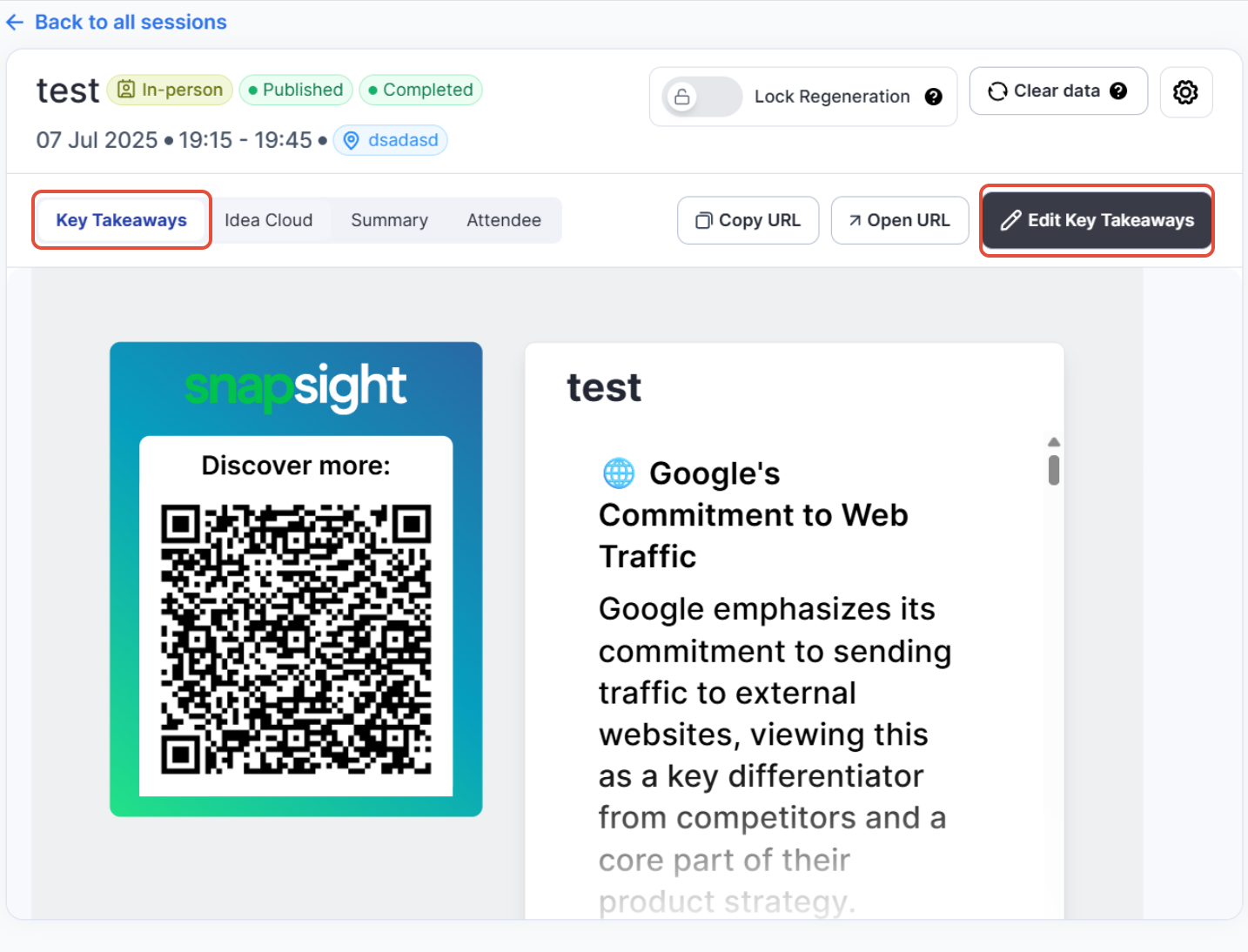
Click on the "Key Takeaways" tab.
On the top right, click “Edit Key Takeaways”.
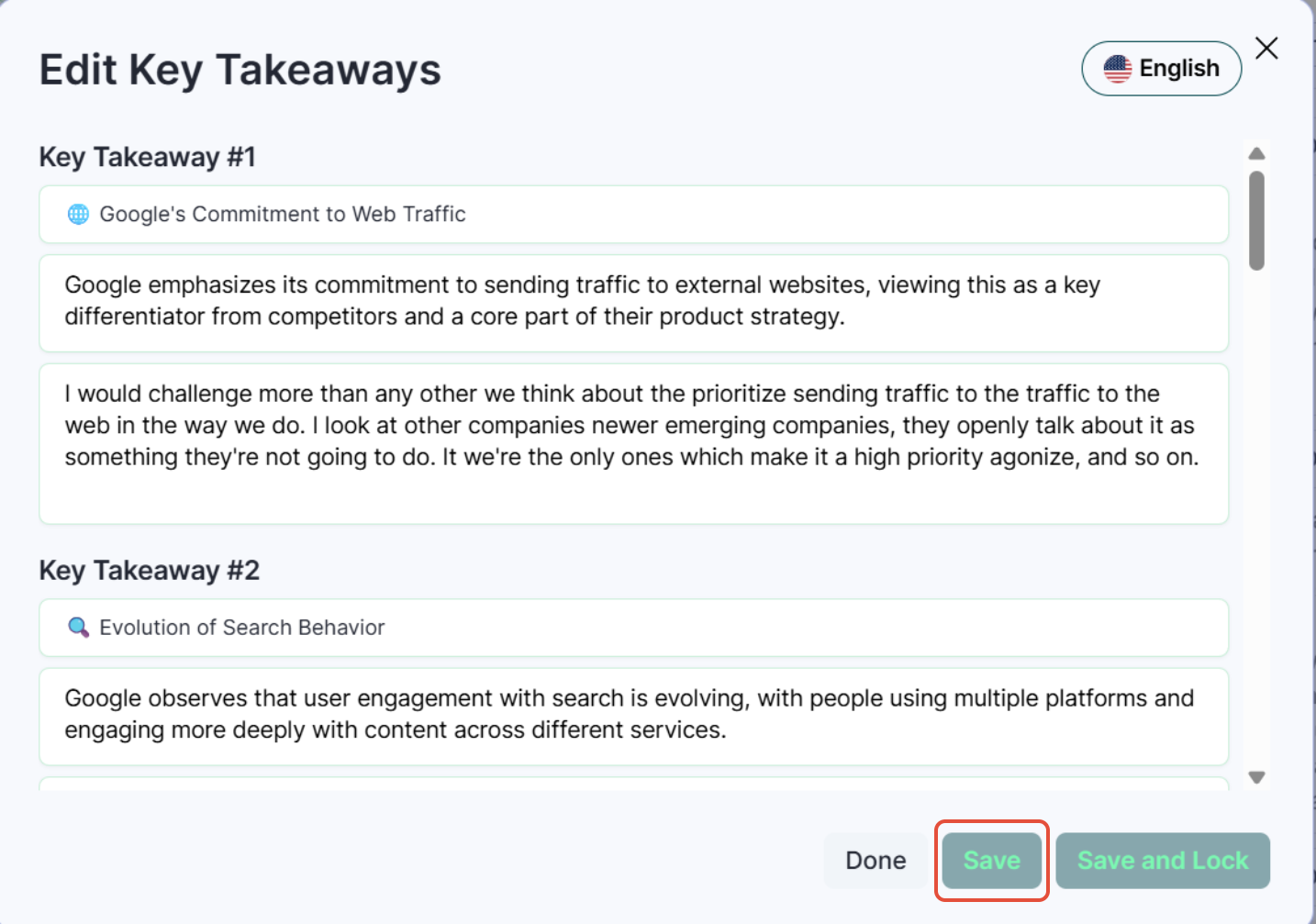
A pop up will show where you can edit the content.
Make your edits and save the changes.
3. Edit Idea Cloud
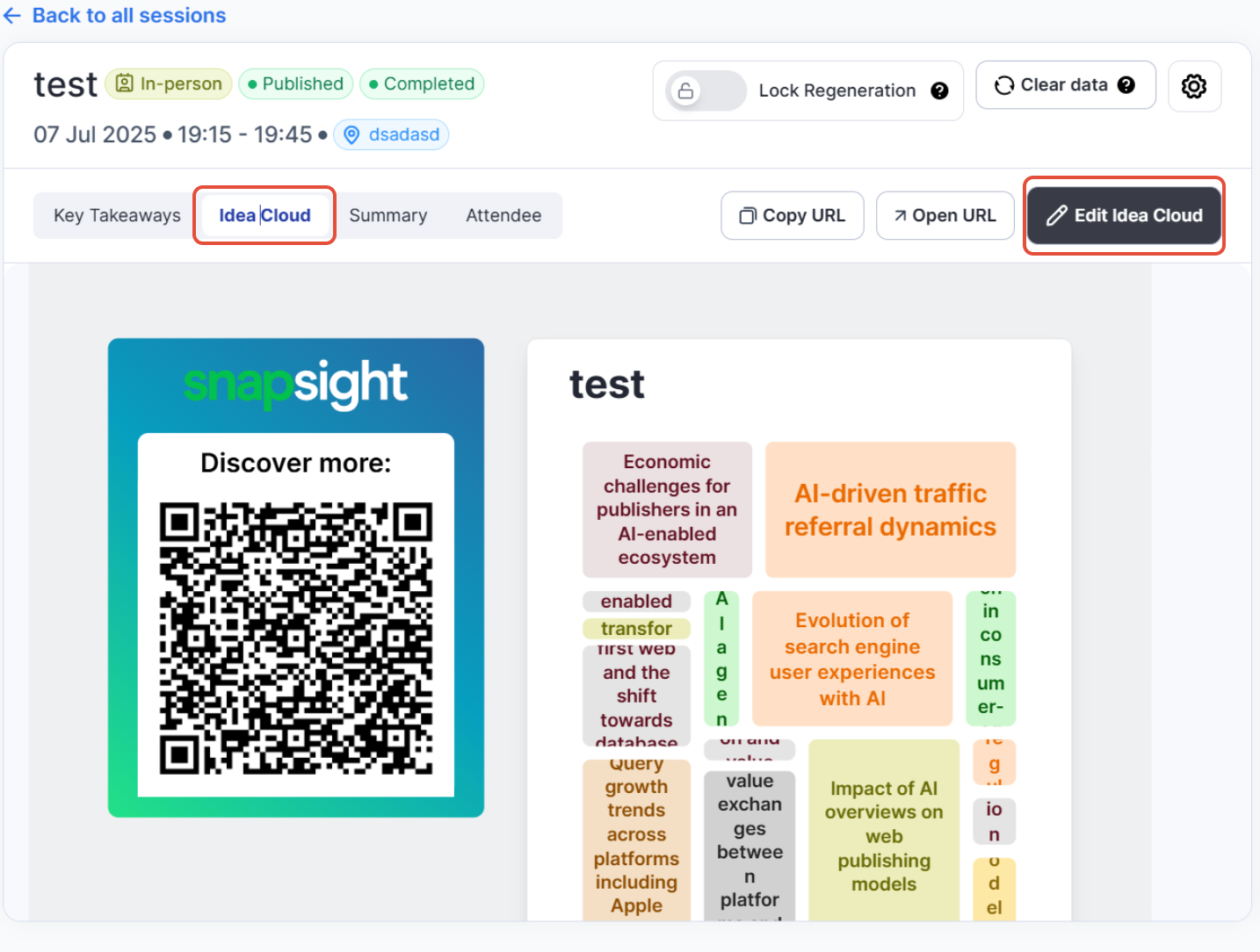
Click on the "Idea Cloud" tab.
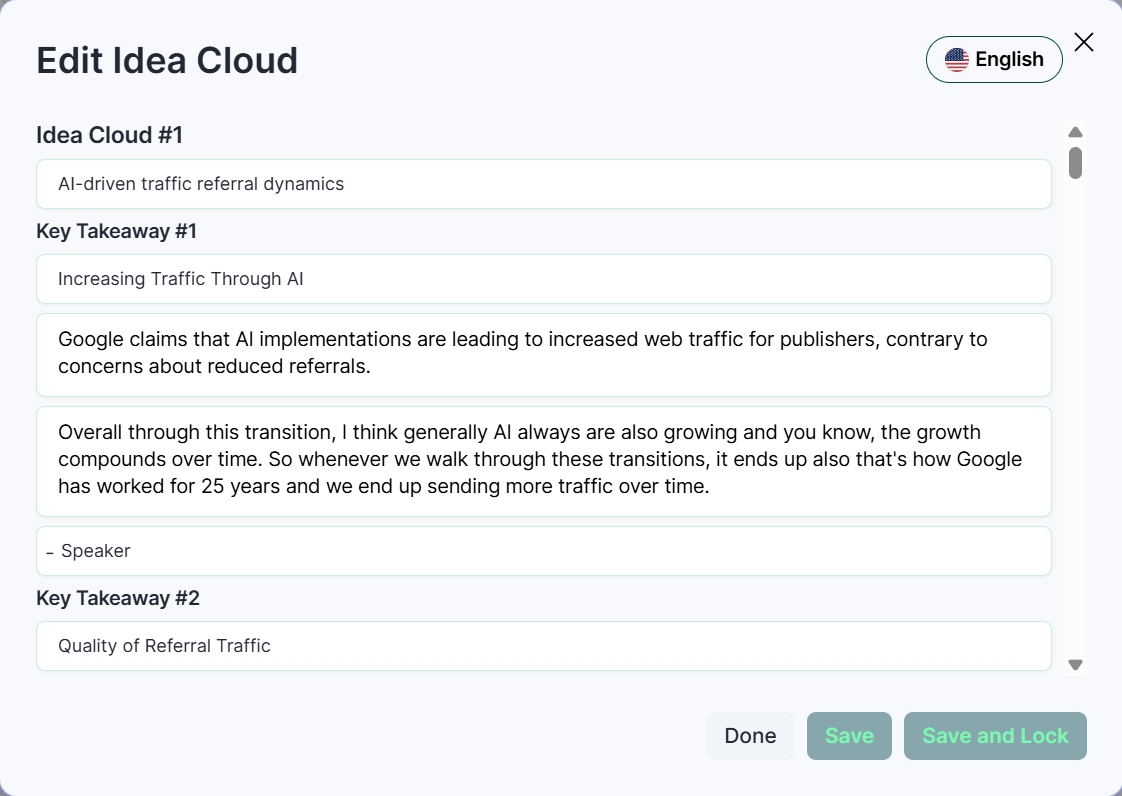
On the top right, click “Edit Idea Cloud”.
Update as needed and save changes.
4. Edit Transcript
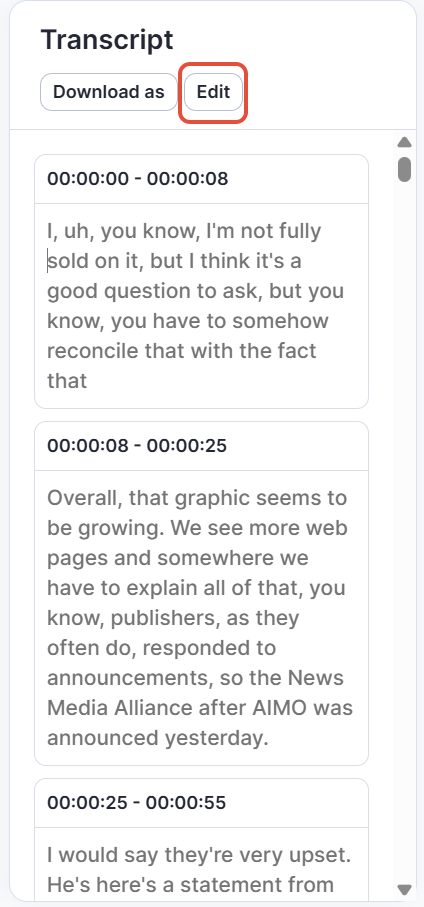
On the right-hand side panel of the session page, locate the "Transcript" section.
You will see two options: Download as and Edit.
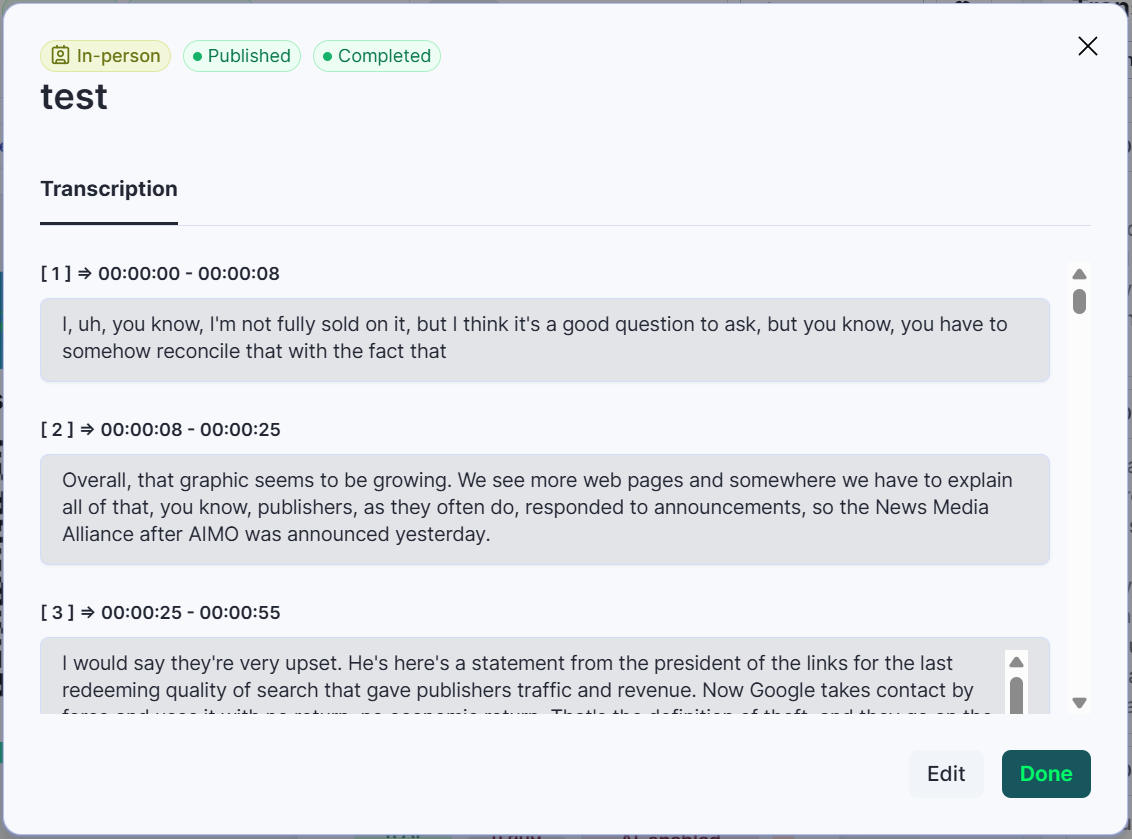
Click on “Edit” to update any part of the transcript.